How to reset the language on the sensoCOMFORT and sensoHOME.

Three easy steps to reset the language
- 1/3
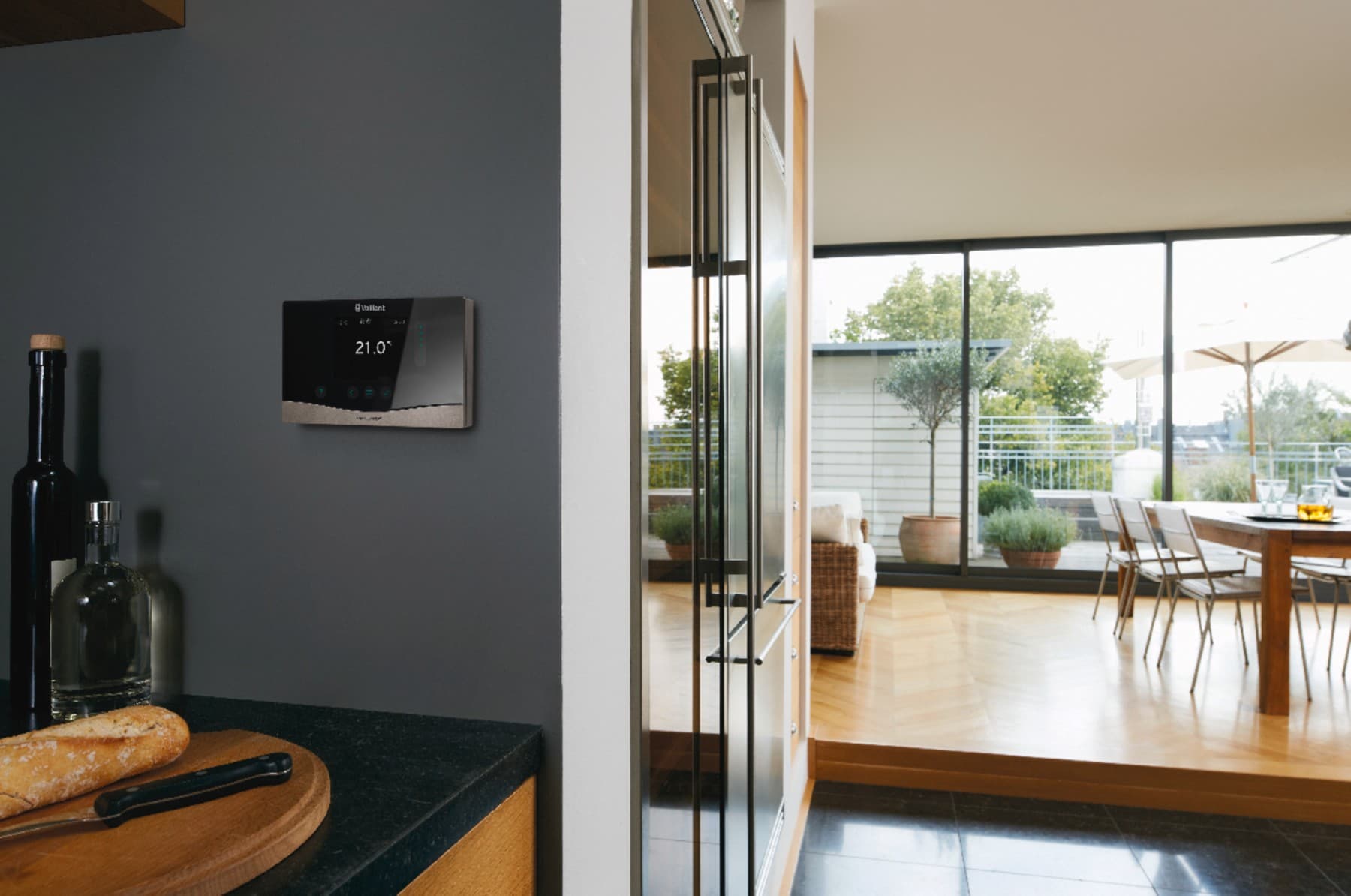
If you set the language the first time, it will be English. But in some cases, it sets to German if the power ran out. In both cases, press the three lines, which are the middle menu button on the control once. Scroll down to the "Settings" (English) or "Einstellungen" (German) option at the bottom, and press the tick button to proceed.
- 2/3
Use the side scroll function on the right side of the control to scroll down to "Language, Time, Display" (English) or "Sprache, Zeit, Anzeige" (German) and press the check button to continue.
- 3/3
Select "Language" (English) or "Sprache" (German) at the top, and press the check button to advance. Adjust the language settings within this screen, and press the check button to confirm your selection.

Why not upgrade your heating system with smart home heating?
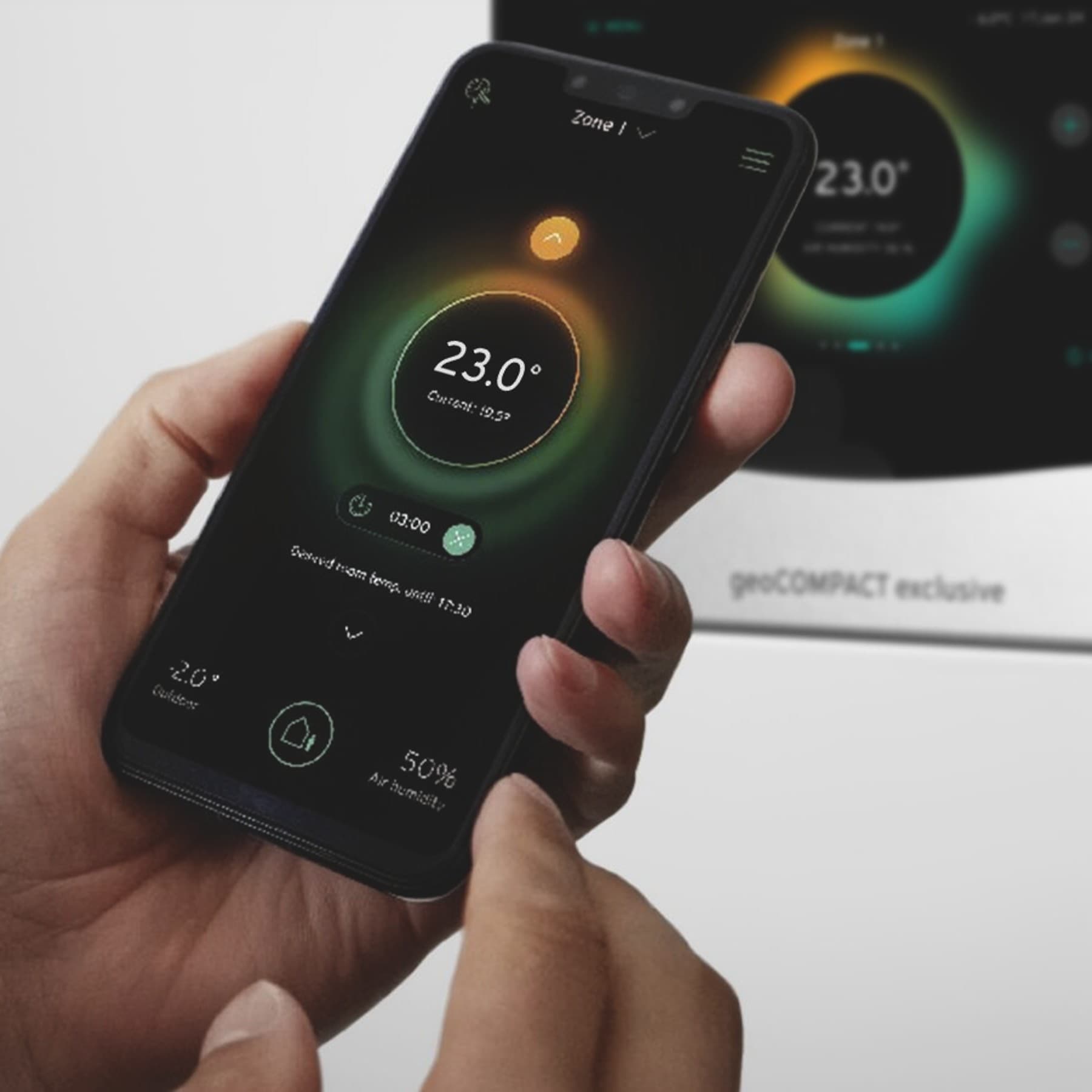
Pairing the myVAILLANT connect internet gateway with your heating appliance and control offers complete system visibility from anywhere via the myVaillant app. This helps you manage your energy more effectively, giving you the potential to lower your energy bills.
The myVAILLANT connect internet gateway is compatible with all eBUS appliances from 2006 onwards including our heat pump range. You can monitor consumption on the go and ensure your boiler or heat pump is running at maximum efficiency.